Manage Profile
The manage profile allows the changing of the contact information, password and the avatar.
Contact Information
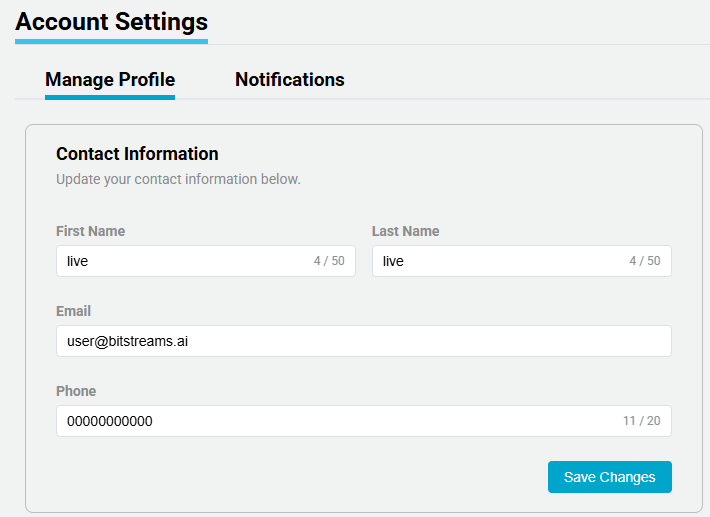
The user can change the following:
- First Name
- Last Name
- Phone Number
- Email Address
Avatar
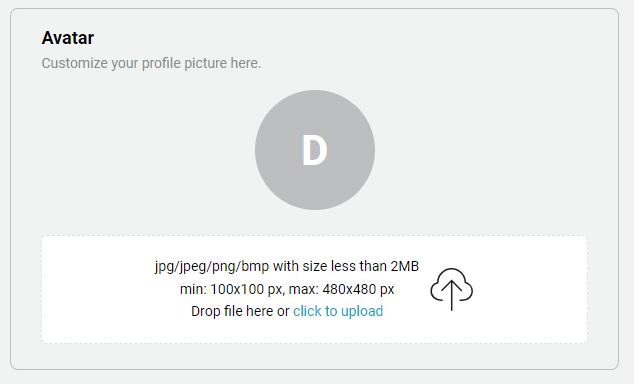
The user can upload an Avatar, which will be displayed on the bottom of the left hand menu.
Upload Avatar
-
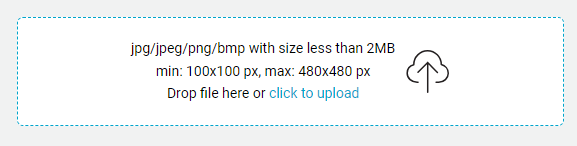
"Drag and Drop" or "click to upload" an image and select the desired image from the local computer.
-
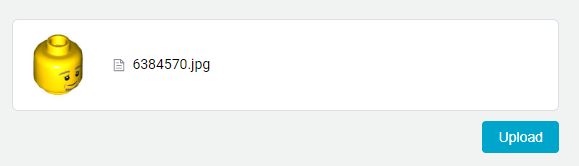
A preview of the image will be show, then click Upload.
Delete Avatar
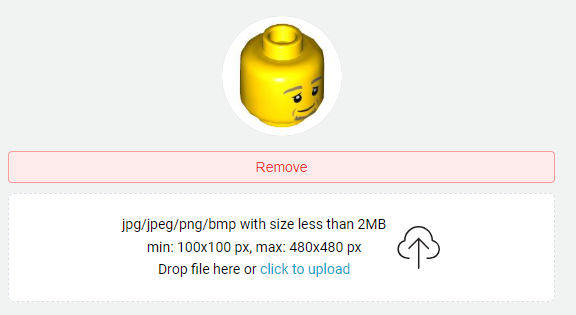
There are two options to delete the avatar. Option 1, is to upload a new Avatar image or Option 2 is click the Remove button.
Change Password
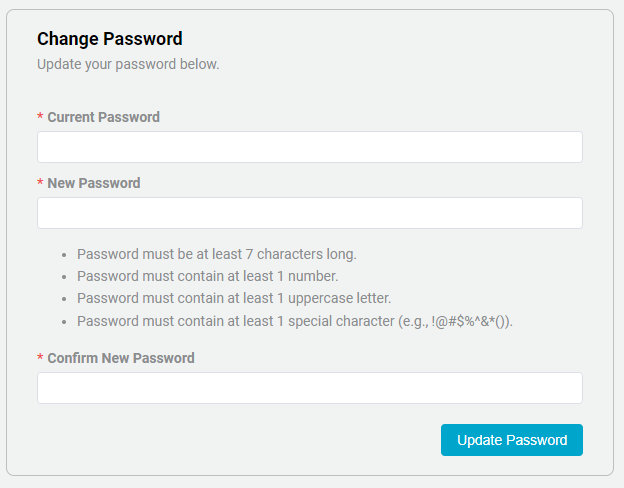
The user can change the password, by entering the current password along with the new password. Note the requirements for a new password.
Change Email Address
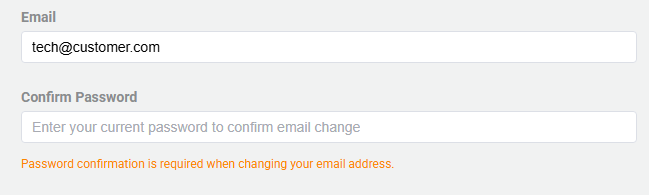
When changing the email address, the user will be required to re-enter the password for confirmation.