Duplicate a Template
Bitstreams has the ability to duplicate an existing template on the same instance.
-
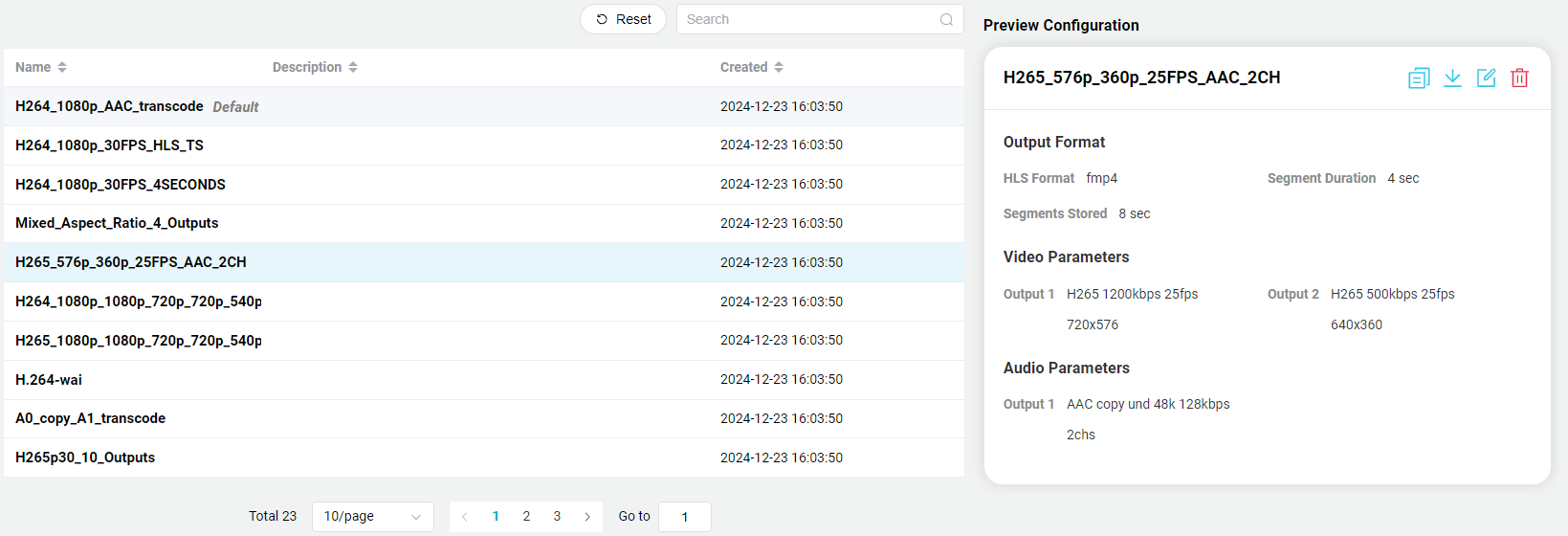
From the Template page that contains the table of the available templates, click on the row of the desired template to be deleted. The row will be highlighted with a light blue background.
-
Click on the Duplicate Icon

-
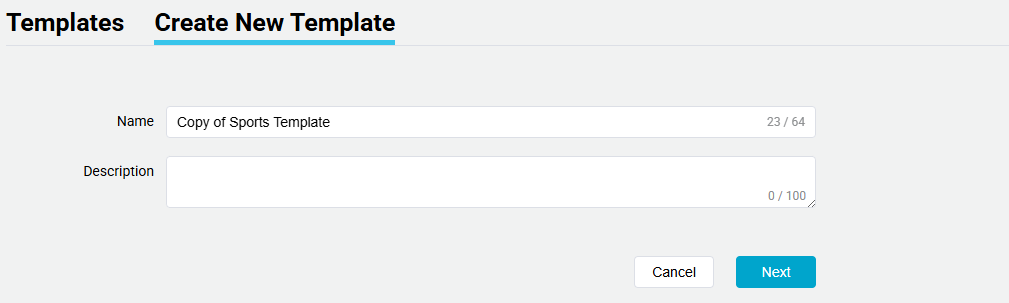
The User will be directed to "Create New Template", with all the additional settings and parameters. The Template name will be the same but start with "Copy of".
-
Continue to edit the template as normal.