Setup MSYS2 tools on Windows
Provide two ways to install the MSYS2 tools package on Windows:
- Online installation
- Offline installation
Install the MSYS2 - Online
This is a reference to MSYS2. A few additional notes have also been added.
-
Download the latest msys2 installer from https://www.msys2.org/
-
Run the installer. MSYS2 requires 64 bit Windows 7 or newer.
-
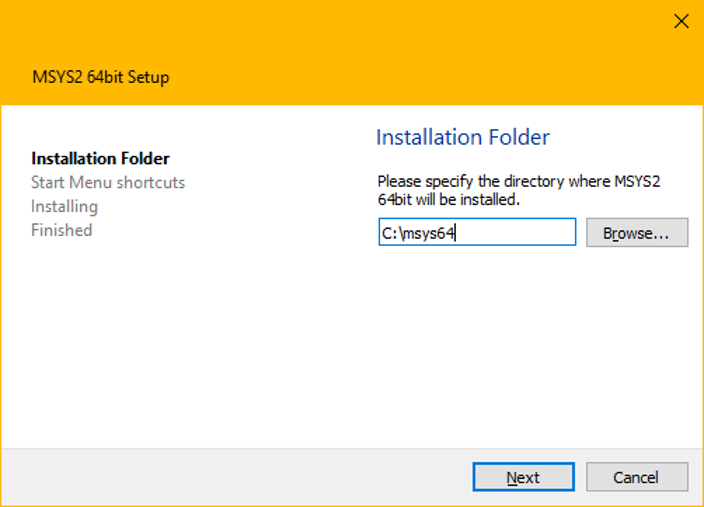
Enter your desired Installation Folder (short ASCII-only path on an NTFS volume, no accents, no spaces, no symlinks, no subst or network drives, no FAT).
Install the MSYS2 – Offline
Skip these steps if you have already run steps in Section 2.1.
-
Get the offline installation package
msys64.zipfrom NETINT Support team. -
Unzip the msys64.zip to the C: folder. The essential tools have already been installed in this package.
-
To start building using the mingw-w64 GCC, go to the installation folder
C:\msys64and runmingw64.exe.
This offline zip package comes with home folder C:\msys64\home\Administrator
This offline zip package comes with a ffmpeg tar file base_ffmpeg_n4.2.1.tar.gz. If following the offline Section 2.2, you will untar this file in the steps for Section 3.2. File can be found in C:\msys64\home\Administrator folder.