Compile Libxcoder and FFmpeg for Quadra and Logan
Preparation
These two separate solutions can be compiled together using a batch script that calls devenv.exe rather than using the VS IDE. However if preferred, the IDE can be used instead by loading and building the VS solution file (.sln). Manually copy the intermediate and output files the same way the batch script does.
The compilation of FFmpeg v4.3.1 is shown as an example below.
- From the release package folder
Quadra_SW_v3.0.0
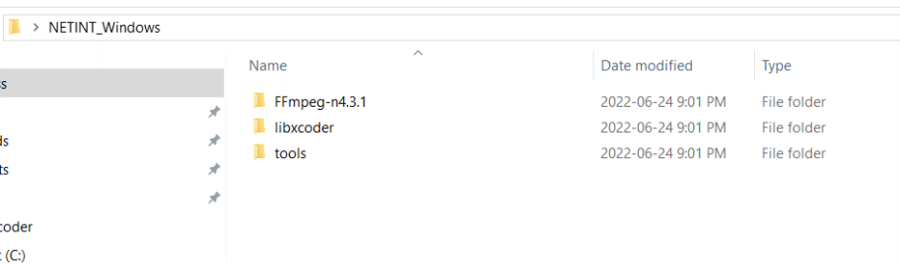
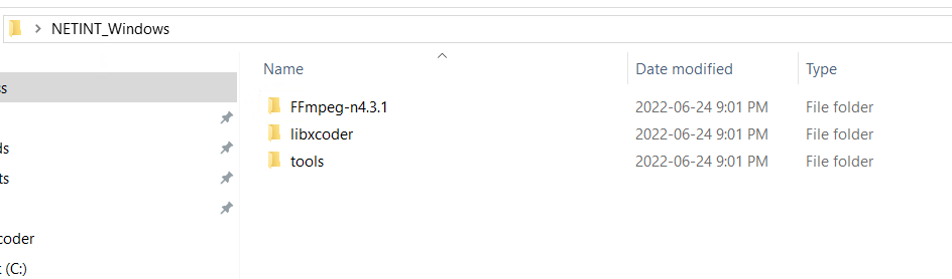
Copy the following two folders into a new folder, in this example the folder named NETINT_Windows is used
- libxcoder
- tools
- Clone FFmpeg-n4.3.1 from git
git clone -b n4.3.1 --depth=1 https://github.com/FFmpeg/FFmpeg.git FFmpeg-n4.3.1
- From the following folder
Quadra_SW_V3.1.1_EN3
copy the patch file below
FFmpeg-n4.3.1_netint_v3.1.1_EN3.diff
to the FFmpeg-n4.3.1 folder created in Step 2 by the git clone command
- Change directory to
FFmpeg-n4.3.1
- Apply the patch with the following command
patch -p 1 -t -i FFmpeg-n4.3.1_netint_v3.1.1_EN3.diff
Compiling Libxcoder and FFmpeg for Quadra or ReleaseDLL
This process is simple with only three steps required
-
Change directory into
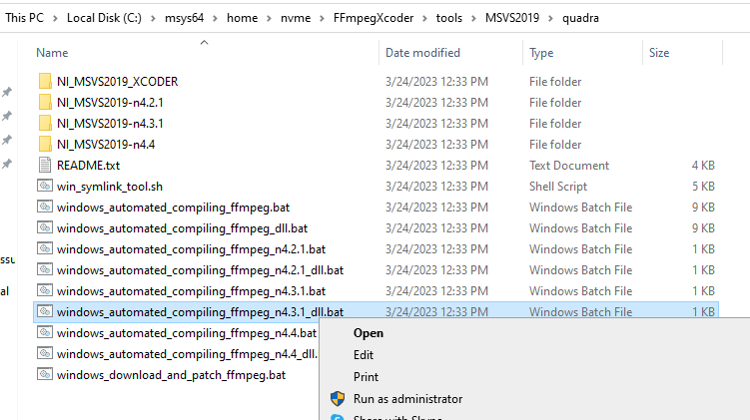
tools\MSVS2019\quadra. -
Run one of the following batch files as admin to build either the libxcoder and FFmpeg Release, or the ReleaseDLL
windows_automated_compiling_ffmpeg_n4.3.1.bat- > for Release buildwindows_automated_compiling_ffmpeg_n4.3.1_dll.bat- > for ReleaseDLL
Ensure the following extension is installed on the host before running the batch files:
VS2019 --> Extensions --> Manage Extensions --> Microsoft Visual Studio Installer Projects
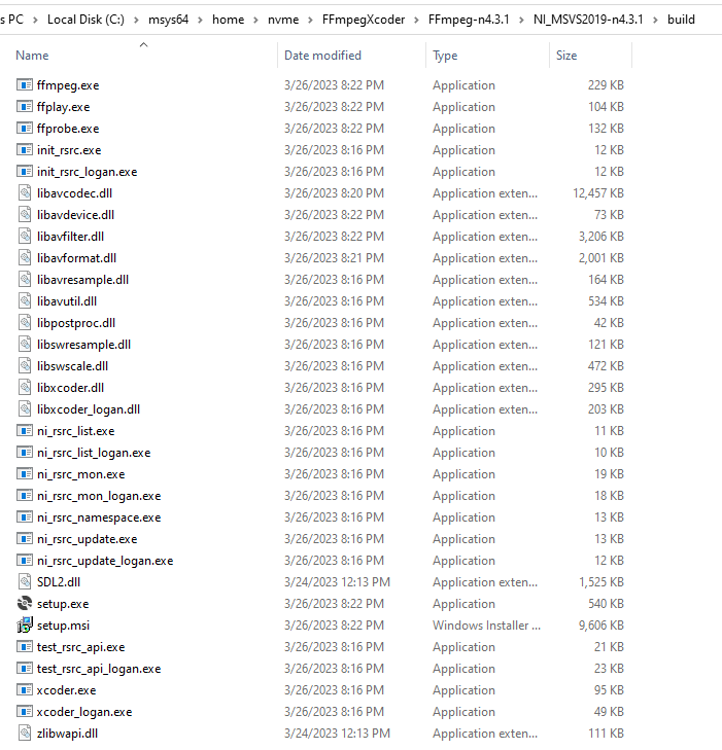
- If the user runs the Release batch files, the output build executable and setup files are found in the build directory.
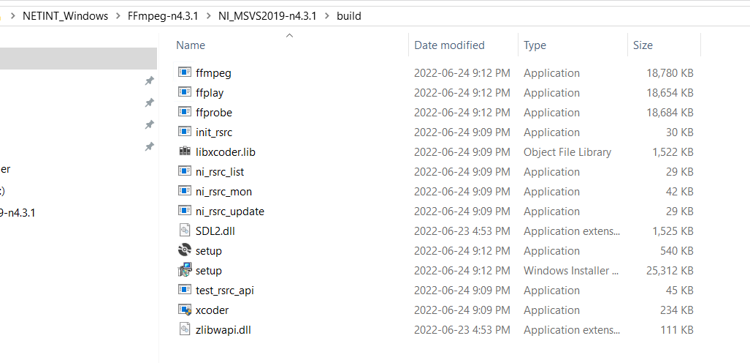
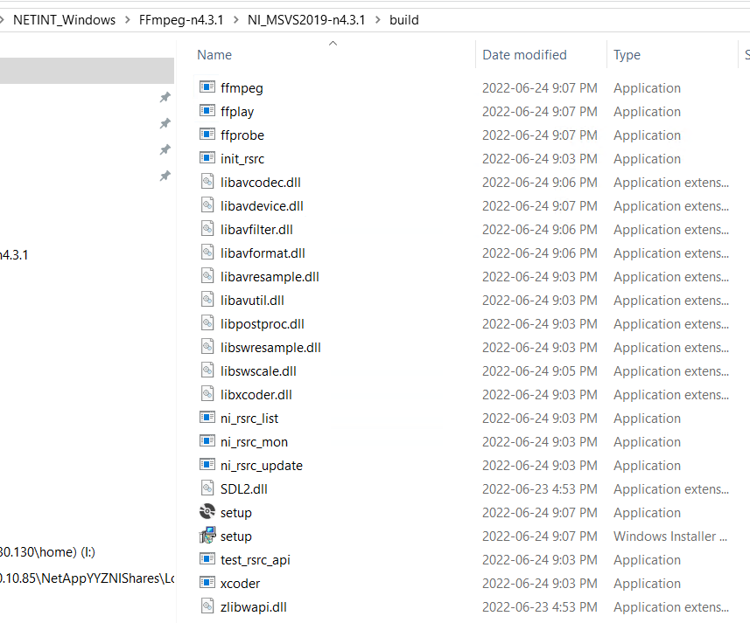
- If the user runs the ReleaseDLL batch files, the contents of the build folder will also have additional DLL files, as in the example below.
Libxcoder and FFmpeg for Quadra Logan or ReleaseDLL
Follow this section to compile the libxcoder and FFmpeg for either a Quadra and Logan release, or a ReleaseDLL
1 Change directory into
tools\MSVS2019\quadra+logan
2 Ensure the following extension is installed before running any batch files
VS2019 --> Extensions --> Manage Extensions --> Microsoft Visual Studio Installer Projects
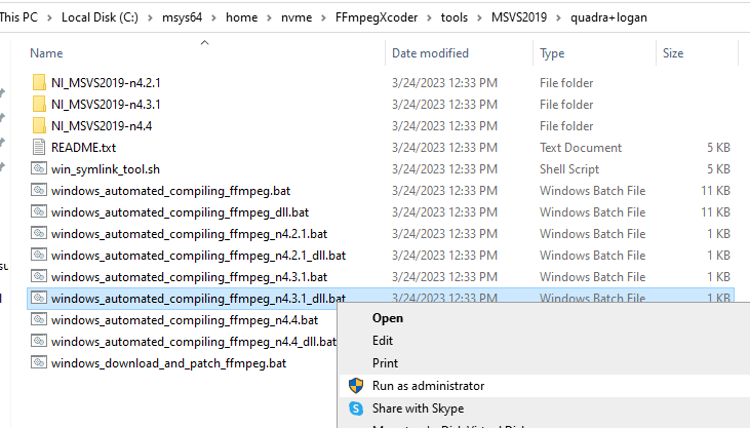
3 Run the following batch files as admin to build libxcoder, libxcoder_logan and FFmpeg Release or the ReleaseDLL
windows_automated_compiling_ffmpeg_n4.3.1.bat - > Release build
windows_automated_compiling_ffmpeg_n4.3.1_dll.bat - > for ReleaseDLL build
4 The output executable and setup files can be found in the build directory.
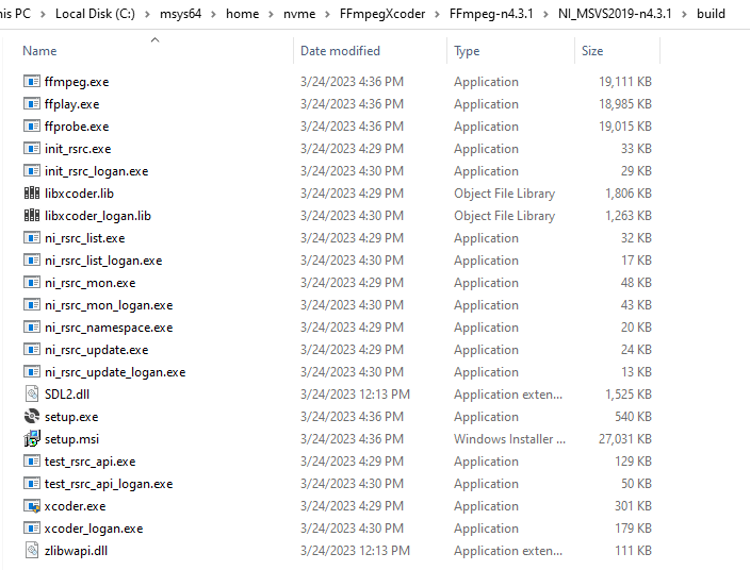
5 If the ReleaseDLL batch files are used then the contents of the build folder will also have the additional DLL output files as shown in the example below.