Installing and Running FFmpeg
Install and Run FFmpeg
The installation of FFmpeg will NOT modify any environment variable or registry item of a Windows 10 system but does require administrator access.
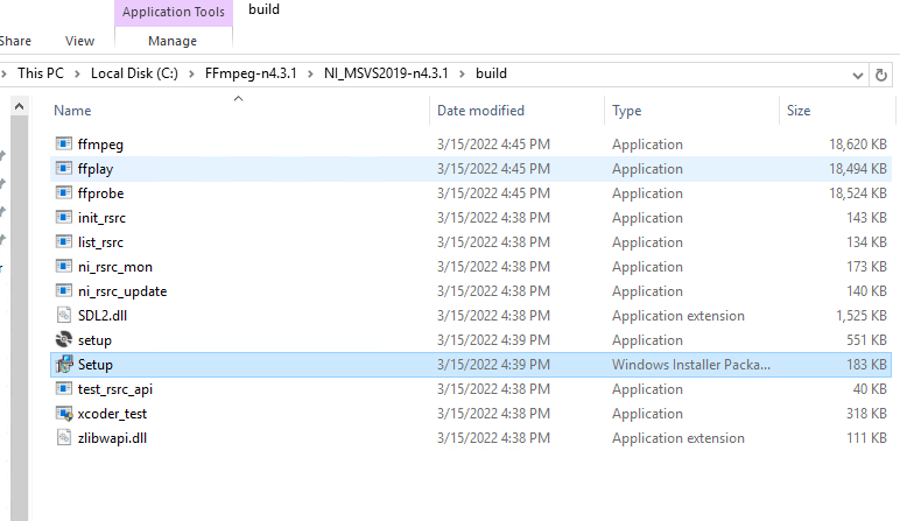
Using FFmpeg-n4.3.1 as an example, assume the build directory is located at
C:\FFmpeg-n4.3.1\NI_MSVS2019-n4.3.1\build
and all output files are located in there.
- Click the
setup.msigenerated in the build directory
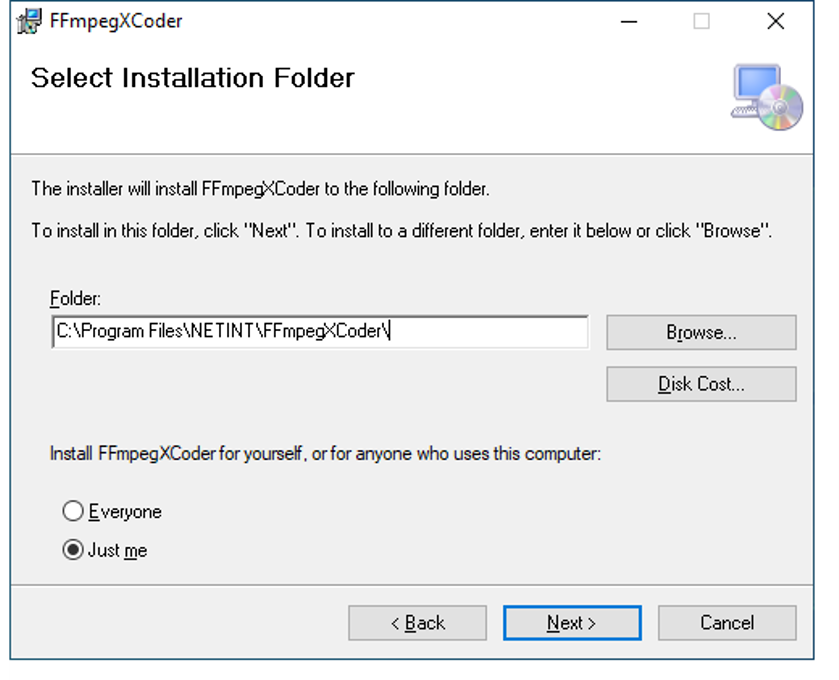
- Choose your own installation path as administrator, for example
C:\Program Files\NETINT
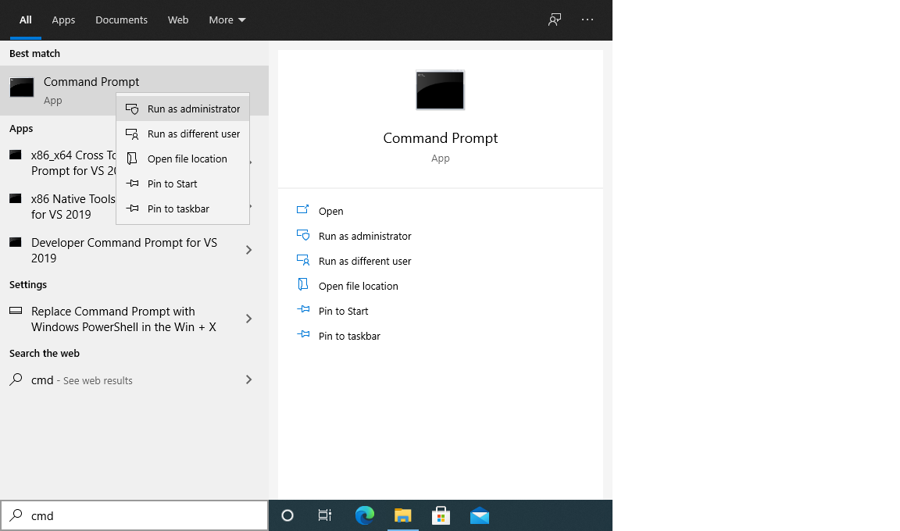
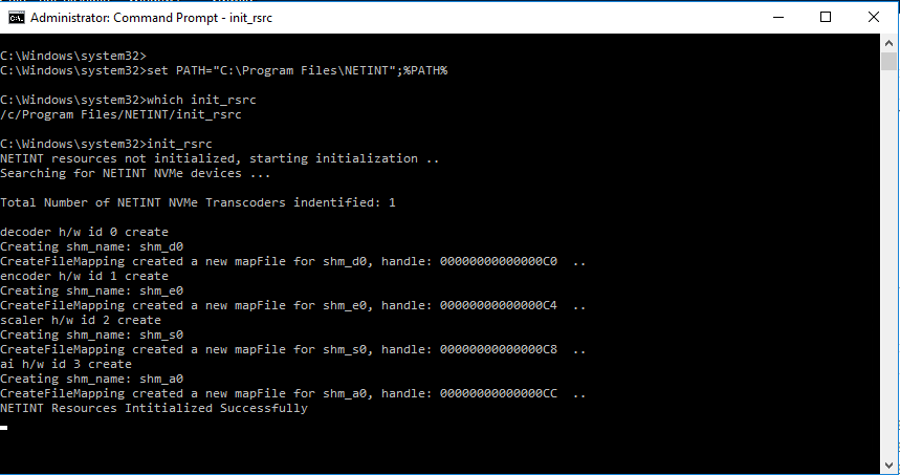
- Run a command prompt as Administrator
- Add installation path into
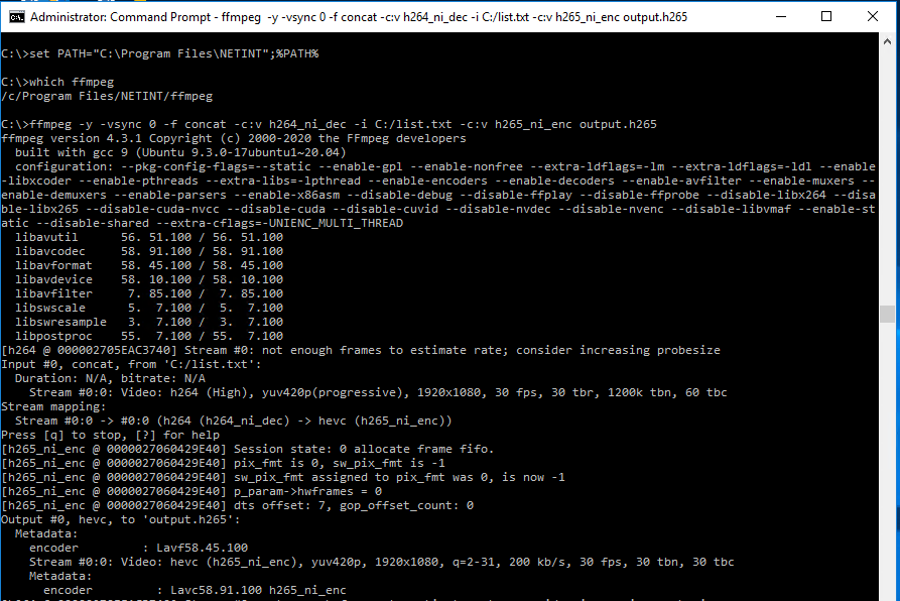
%PATH%variable and run init_rsrc command
- Start another command prompt and run your own ffmpeg command