Setup VS2019 environment
Online Setup of VS2019
- Download the VS2019 installation fromhttps://visualstudio.microsoft.com/
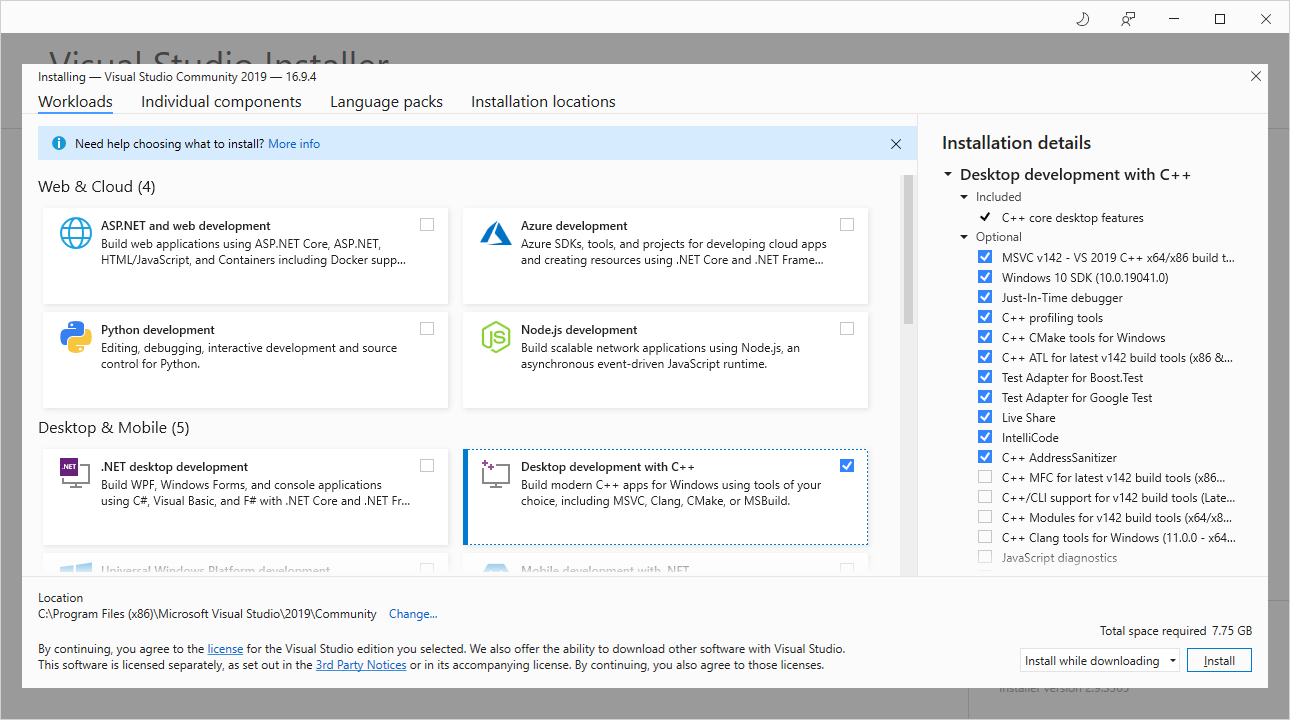
- Install VS2019, selecting the Desktop development with C++
- Install the plug-in Microsoft Visual Studio Installer Projects from the Visual Studio Marketplace
Offline Setup of VS2019
If the target server does not have internet access, then an off-line environment is required. Follow this section for instructions on how to build a compilation environment in an offline environment.
- Obtain the VS2019 off-line installation package from NETINT. We provide both English and Chinese VS2019 off-line packages. If required request this from your NETINT representative.
- Unzip the VS2019 package and run the following, select the default options
vs_setup.exe
- We can also provide the installer projects plug-in package. Run the package installer
InstallerProjects.vsix